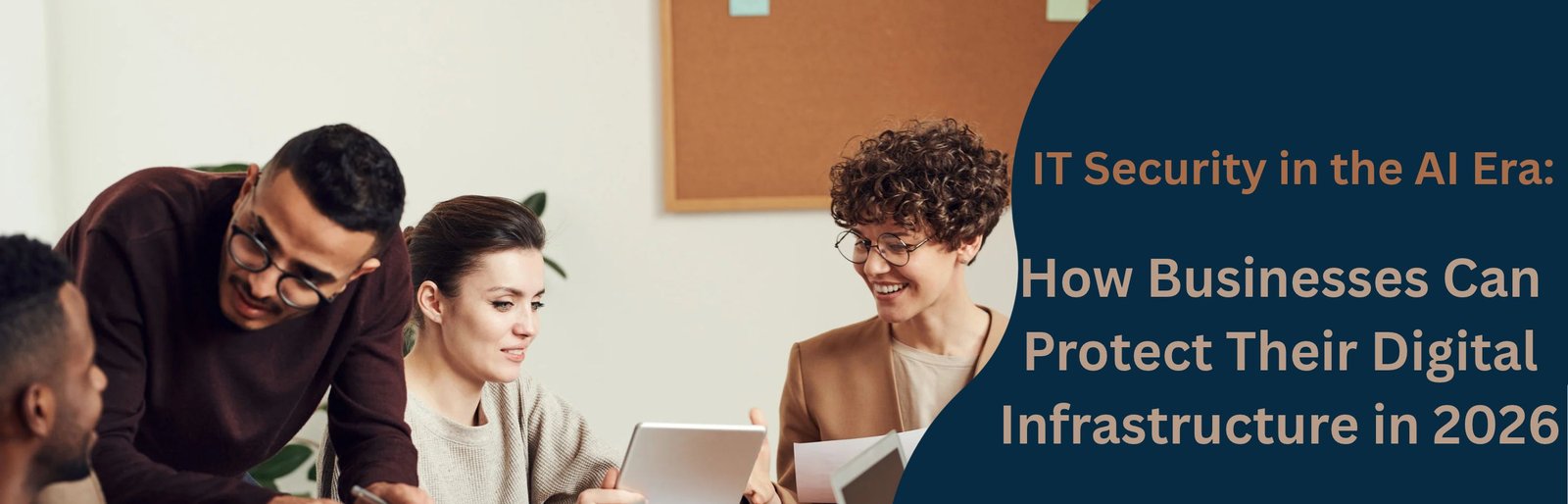

Tech is changing how companies work, talk and store information. Artificial intelligence, cloud tools, remote work, automation and smart devices have opened up chances to grow. These same tools have brought safety problems too. As companies lean more on systems, keeping data safe and locking down computer networks has become a must.
In 2026, crooks are using tricks. They run emails with the help of AI, launch attacks that run on their stolen identities and spread nasty software. They go after businesses of all sizes. Old-school safety steps alone may not be enough to guard today's networks.
So IT Security 2026 matters more than ever. Companies need to act out of trouble. That means mixing security tools, teaching staff to stay sharp, watching systems all the time and getting help from IT pros. Maybe you run a shop, a young startup or a big company. Either way, putting money into IT Infrastructure Security can help you guard your assets, keep customers trusting you and back growth over time.
Let's look at the safety problems companies face in 2026 and the real steps they can take to shore up their setup.
1. Why IT Security Matters More Than Ever in 2026
Today's companies lean on linked systems to handle customer details, money records, internal chats, apps and daily tasks. These tools boost speed. They also open doors for attackers.
Take one example. A single hacked staff login could leak private company data. In the way, a cloud app left unguarded or a network device could hand attackers a way into key systems.
A few things are raising the risk in 2026:
- AI-driven attacks: Crooks use AI tools to write messages and run some harmful tasks on their own.
- Remote and hybrid work: Staff logging in from places can bring risk.
- Cloud safety gaps: setup and weak access rules can expose data.
- Ransomware: Attackers may lock up company files. Ask for money to free them.
- Weak links from firms: Vendors and software suppliers can bring holes into a company's setup.
So firms must stop reacting. They need a plan that runs nonstop.
2. How AI Is Shaping Cybersecurity
AI is changing both sides of the fight. Companies use it to spot activity, catch strange network moves and run safety checks on autopilot. At the time, crooks use AI to make their attacks faster and harder to spot.
One big worry is emails made by AI. Old scam emails often had typos or odd wording.. Ai lets attackers write messages that look just like real company mail.
Fake voices and videos bring risks too. Bad actors may copy a bosss voice. Face to ask for payments... They may trick staff into handing over data.
Still, AI can make a company safer when used the way.
Firms can use AI-based tools to:
- Catch strange login tries.
- Spot network traffic.
- Sort through safety alerts.
- Help with threat intel.
- Run safety tasks on autopilot.
- Find possible weak spots.
That said, AI tools should back up skill, not replace it. Firms also need rules on AI use, data access and sharing info.
3. IT Infrastructure Security: Guarding Every Digital Door
A company's digital setup takes in its networks, servers, computers, cloud tools, apps, databases and linked devices. Guarding these parts calls for a team effort.
Good IT Infrastructure Security keeps business systems from breakins, data theft, bad software and downtime.
Here are some key steps:
- Network Safety: Use firewalls, tight network setup, breakin alerts and network splits to block access.
- Device Protection: Guard laptops, desktops, phones and other linked devices with tools that catch and respond to threats.
- Identity and Access Control: Make sure staff only reach the systems and data they need for their job.
- Multi-Factor Authentication (MFA): Add a check to business accounts and apps.
- Regular Software Updates: Install safety fixes. Firmware updates to close holes.
- Data Encryption: Shields private data while it sits on devices and while it moves between systems.
Than, to treat each safety piece on its own, firms should build one linked shield that covers their tech setup.
4. IT Infrastructure Security Checklist 2026: Key Steps Every Business Should Take
A solid safety plan starts with knowing what needs guarding. Firms should look over their IT systems often, find spots and put controls in place before small holes turn into trouble. This IT Infrastructure Security Checklist 2026 gives groups a place to start.
IT Infrastructure Security Checklist 2026
The safety steps for today's companies
- Checklist progress
- 0/12 completed
- Keep a list of hardware, software and cloud assets.
- Turn on factor authentication for business accounts.
- Install safety. Software updates on a set schedule.
- Use firewalls and device protection tools.
- Encrypt business data.
- Set up auto backups and test data recovery.
- Apply role-based access and least privilege rules.
- Watch network traffic and odd login activity.
- Run weakspot checks.
- Teach staff to spot emails and con tricks.
- Check vendors and their safety habits.
- Test a plan for handling incidents.
- Reset checklist
Review this list often. Shape it to your company's size, field, rules and risk level. Firms can also use it as a guide for handling safety risks.
5. Why Managed IT Services Are Becoming a Must
Keeping IT set up takes care, tech skills and the right tools. Many small and mid-sized firms lack the means to run an in-house safety team.
- That is where Managed IT Services can help.
- Managed IT firms help companies keep up, watch over and guard their tech setup. Rather than wait for a crash or an attack, they give help to spot issues and cut risk.
- Some key services include:
- 24/7 IT watching: Steady checks of networks, devices and key systems.
- Update management: Regular fixes for operating systems and business apps.
- Network care: Keeping business links safe and steady.
- Device management: Guarding staff devices from threats.
- Backup care: Keeping systems and restore steps.
- Tech help: Helping staff fix tech issues.
Managed services are a plus for growing firms that need IT work without the cost of a large internal team.
Still, firms should check a provider's safety habits, access rights, incident notice steps and service deals before handing over IT tasks.
6. Cybersecurity Services: Building a Shield Against Modern Threats
Safety takes more than antivirus software or a firewall. Today's groups need layers of cover that work as one to block, catch and respond to incidents.
Pro Cybersecurity Services can help firms build a safety plan.
Some key services include:
- Weak Spot Checks: Find holes in business apps, networks and setup before attackers use them.
- Penetration Testing: Run allowed attacks to test how current controls guard systems.
- Safety Watching: Study system. Look into behaviour to find threats.
- Incident Response: Build steps to contain attacks, check the damage. Get back to normal.
- Cloud Safety: Guard cloud apps, storage and business data with the setup.
- Safety Training: Teach staff about emails, password care, odd links and safe online habits.
Firms should pick safety tools based on their risk, not by buying every product on the shelf. A good plan focuses on cover, clean setup and results you can measure.
7. Data Security Services: Guarding Your Most Valuable Asset
Business data is one of a group's digital assets. Customer records, staff details, money papers, ideas and private talks must be kept safe from breakins and slips.
Good Data Security Services help firms keep their data private, intact and ready when needed.
Here are some key data safety steps:
- Data encryption: Shield data on devices. While it moves across networks.
- Access limits: Keep data to staff who need it.
- Regular backups: Keep copies of business data.
- Data loss prevention:. Control how private data moves.
- Safe data wiping: Fully erase data from devices and storage before reuse or toss.
- Data sorting: Mark data as private, secret or open to all.
One more key point is rule compliance. Firms that handle customer and staff data must know the privacy and data rules that apply to their field and where they work.
For example, groups that serve customers may need to think about rules like GDPR, based on what they do and where they fall under the law.
A good data security plan does more than lower the chance of a breach. It also builds trust with your customers.
8. How IT Consulting Services Help With Digital Risk Management
No two companies are alike. Each one has its tech needs, daily problems and security worries. So a security plan that suits one business may not work for another all.
Professional IT Consulting Services help companies figure out what their tech really needs and make choices about their setup.
IT consultants can help with:
- Looking over their IT setup.
- Building a plan to stay online.
- Planning a move to the cloud.
- Making networks work better.
- Checking tech risks.
- Writing IT rules.
- Planning for safety and following the rules.
- Plans to keep the business running.
These services really help companies that are planning a change, swapping out old systems or growing their tech setup.A good IT consultant can spot risks, suggest the tools and build a plan that matches security spending with business goals.
9. IT Infrastructure Management: Keeping Things Secure After Installation
Installing security software is step one. Business systems need care, performance checks and security reviews to stay reliable.
IT Infrastructure Management is about keeping the tech that runs business work in good shape. This covers servers, networks, cloud setups, devices, software apps and IT assets. In 2026, businesses should focus on three areas:
- Monitoring: Keep watch on system performance, network activity and security alerts to catch strange behaviour.
- Proactive Maintenance: Check settings, update software, swap out hardware. Fix weak spots.
- Business Continuity: Set up backup, disaster recovery and incident response plans to cut down on downtime.
These habits help companies avoid surprise disruptions and keep a digital space.
10. What Comes Next for Business IT Security Beyond 2026
Cybersecurity will keep shifting as businesses take on tools and digital services. Companies should get ready for risks of leaning only on security tools built for the threats of yesterday. Some key shifts shaping the future include:
- Zero Trust Security: Check every user, device and access request than just trusting everything inside the network.
- AIDriven Threat Detection: Use security tools to spot activity and rank likely threats.
- CloudNative Security: Build protection right into apps, infrastructure and development work.
- IdentityFirst Security: Make authentication stronger. Manage access for staff, apps and automated systems.
- Automated Incident Response: Use managed automation to speed up security investigations and containment.
Businesses should also keep an eye on AI governance. AI apps may reach company data, connect to services or carry out tasks on their own. Without the permissions and monitoring, these abilities can bring new security risks.
The goal is not just to grab the tech. It is to make sure every tech investment supports a business environment that's safe, reliable and able to bounce back.
Recent cybersecurity guidance also backs up the idea of pairing AI-assisted defence with basic security habits, human oversight and constant monitoring.
Put IT Security First in 2026
In the AI era, cybersecurity is not a job for the IT department anymore. It is a business priority that shapes customer trust, steady operations, financial safety and longterm growth. From network protection and safer sensitive data to using Managed IT Services and professional Cybersecurity Services, businesses need to take an approach to protecting their digital infrastructure.
Following a IT Infrastructure Security Checklist 2026, putting money into Data Security Services and bringing in expert IT Consulting Services can help companies find weak spots and build stronger protection plans.
Most of all, cybersecurity should be seen as a process, not a onetime purchase. Regular reviews, staff training, system updates and solid IT Infrastructure Management can help businesses stay ready for shifting threats.
The future belongs to businesses that move forward with confidence while protecting what matters most. In 2026, secure your infrastructure, strengthen your foundation and make cybersecurity part of your growth plan.
FAQs
1. Why is IT security important for businesses in 2026?
IT security keeps business networks, customer information, financial records and digital infrastructure safe from cyberattacks, ransomware, data breaches and unauthorised access. It also helps keep the business running and keeps customers trusting you.
2. What is included in an IT Infrastructure Security Checklist 2026?
A good checklist covers factor authentication, firewall protection, regular software updates, endpoint security, data encryption, secure backups, access management, staff training and constant network monitoring.
3. How can Managed IT Services improve business security?
Managed IT Services give you infrastructure monitoring, patch management, endpoint protection, network upkeep, backup management and technical support. These services help businesses keep their IT environments safe.
4. What is the difference between IT security and cybersecurity?
IT security is about protecting a companys whole technology setup, including hardware, software, networks and data. Cybersecurity is about protecting systems, networks and information from cyber threats. The two areas overlap a lot.
5. Why should businesses invest in Cybersecurity Services?
Professional Cybersecurity Services help companies find spots, watch for suspicious activity, run security reviews, strengthen data protection and build solid incident response plans.



.jpg)








.webp)

.webp)
.webp)
 (1).webp)


.webp)
.webp)
.webp)







.webp)


.webp)

.webp)


.webp)

.webp)
.webp)


.webp)
.webp)
.webp)

.webp)
.webp)
.webp)
.webp)


.webp)
.webp)
.webp)

.webp)


.webp)

.webp)


.webp)
.webp)

.webp)


.webp)


.webp)
.webp)


.webp)
.webp)
.webp)



.webp)