
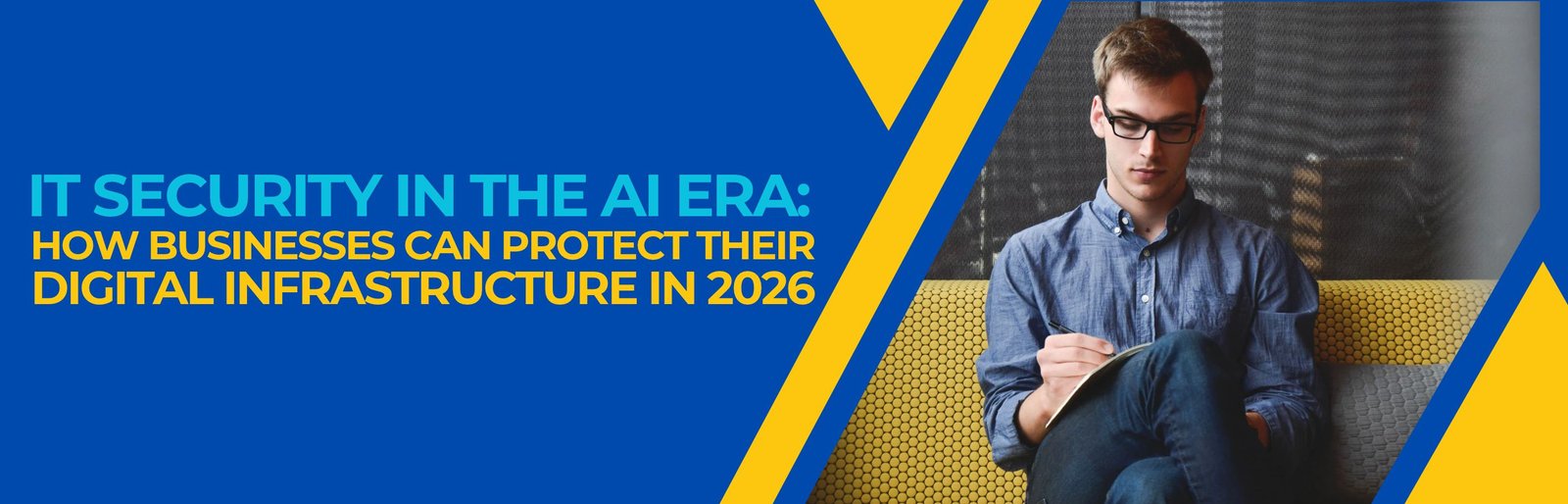
Businesses today rely on technology for work, communication and handling customers. More cyber attacks make it more important than ever to protect IT systems. Hackers keep looking for ways to attack business networks, programs, servers and private information. So companies need to make sure their security is strong before problems happen. In 2026 old ways of keeping things safe are not enough. Companies must carefully watch and control who can get in and have plans to keep things safe. Also, checking security often helps companies find parts before bad people take advantage.
Whether you run a company or an old one, keeping your technology safe is important. This checklist shows 15 steps every company should check. With help from Trust Haven Solution companies can make their security better. Build safe technology places. Their IT services in the U.S.A. help businesses get protection and reliable technology work.
Why IT Infrastructure Security is Important in 2026?
IT infrastructure includes networks, servers, computers, cloud places, programs and connected items. Every part can be a way for bad people to get in. If security is not good, companies can face stolen data, money loss and problems with work. Also, broken systems can hurt customer trust and the company's name. Good management of IT helps companies keep their technology safe, steady and working well. Experts who help with IT can find security gaps. Suggest good changes. So companies should look at their security steps often rather than waiting for problems.
15 IT Infrastructure Security Steps Every Company Should Check
1. Make Network Security Strong
Your company network links people, devices, programs and important systems. So protecting access to this network should be a goal. Use firewalls to watch what comes in and goes out. Also split the network into parts to keep systems separate from regular work. Check the network often to find activities and unwanted connections. This helps companies reduce problems from people.
2. Use Multi-Factor Authentication (MFA).
Just using passwords is not enough to keep things safe. Bad people often take passwords to get into accounts. MFA adds another way to check who is trying to get in. For example, employees may need an app or a key. Also use MFA for managers' people working from home email accounts and cloud places. This simple step makes accounts much safer.
3. Keep Software Updated and Manage Patches
The software can let bad people in. Unfixed problems can leave systems and devices open. So set up a time to check for updates. Install security upgrades soon as possible after testing. Also keep a list of all the software and devices in the company. This helps IT people find programmes and broken equipment.
4. Keep Important Company Information Safe
Services that protect data are very important for todays companies. Businesses need to protect customer data, money details, employee info and private papers. Use encryption to keep information safe when it is stored or sent. Also have rules about what data's important. Limit access based on what each person needs to do. This makes it harder for others to get information.
5. Make Cloud Setup Secure
Cloud places help with work and teamwork. However, wrong settings can let bad people see data.Check cloud settings, storage options and how people get in often. Also stop access to important data. Watch what happens in the cloud and check for activity. Experts who help with IT can help set up good cloud security steps.
6. Make Sure Data is Backed Up and Can Be Recovered
Bad things can destroy company info. Problems like machines, ransomware, mistakes and natural disasters are big dangers. So have backups of important systems. Use the 321 backup rule when possible. Keep at least one backup copy away from the main systems. Also check how to get the data to make sure it works. A plan for what to do if something goes wrong helps keep work going with time lost.
7. Make Endpoint Security Strong
Laptops, computers, phones and tablets connect people to company data. If these are not safe, bad people can bring stuff into the networks. Put protection on these devices and check for bad stuff. Also use encryption and automatic updates. Limit the power people have on their devices. Regular checks can find broken equipment.
8. Make Remote Access and IT Help Secure
More people work from home now which means outside connections to company systems. So companies must make sure each of these is safe. Use ways to connect like a secure VPN or Zero Trust access. Also use MFA for sessions. Watch who logs in from outside and only let the right people in. Help from IT should follow security steps.
9. Make Rules for Who Can Access What
People should only get into the systems they need for their job. This is called least privilege access. Set up rules that control who can get into parts of the company. Also check these rules when people change jobs.Turn off accounts for people who are no longer working. Regular checks help stop rights from building up.
10. Make Email More Secure and Keep Phishing Away
Phishing is still a way for bad people to steal passwords. They often make fake messages look real. Use tools that check emails and attachments. Set up SPF, DKIM and DMARC to make sure emails are real. Also train people to spot links and strange attachments. Regular training helps lower the chances of mistakes.
11. Watch Systems. Find Security Threats
A company cannot keep things safe without knowing what is happening. Watching systems helps find actions and possible problems. Use tools that collect logs and watch for threats. Use SIEM systems when possible. Set off alerts for logins and unexpected network activity. Quick checks help security teams act before problems get worse.
12. Check for Weaknesses Often
New problems can come up as systems change. New programs, devices and settings can bring security issues. Set up checks for weaknesses and test for problems. Focus on the important issues first. Also write down what was fixed and make sure it is done. Experts can help make a checking process.
13. Make a Plan for When Things Go Wrong
Even safe companies can have problems. So every company needs a written plan for what to do when something happens. Set roles for IT teams, managers and outside help. Include steps for finding, stopping and fixing problems. Also practise the plan with tests. These exercises help people know what to do during a security emergency.
14. Keep Physical IT Parts Safe
Cybersecurity is not about digital parts. If someone gets into the place they can break into servers and important info. Keep server rooms locked and watch them with cameras. Also protect places where network parts and backups are kept. Keep track of who comes in and check who has access. Physical steps add another way to keep things safe.
15. Check the Security of Outside Companies
Companies use software and partners a lot.. If these companies are not safe it can hurt the main company. Check the security of the companies before giving them access. Look at their plans for keeping data safe. What they do when things go wrong. Also limit the access these companies have. Checking them often helps lower the risk from the supply chain.
How Experts in IT Help Make Companies Safer?
Keeping IT systems running needs skills and attention. Many companies do not have people for all this work. That is where IT experts come in. They help companies keep network watch systems and fix problems. Trust Haven Solution helps companies that need IT and infrastructure services. Their way of working focuses on solutions that help with business needs and security.
IT experts can help companies with:
- Watching systems. Keeping things running.
- Checking network safety and setting it up.
- Protecting devices and updating them.
- Backing up data and planning for recovery.
- Helping with support and fixing problems.
- Checking for security risks. Managing them.
- Giving advice on IT plans and setup.
Also, IT help can fix problems faster. Companies can make sure their work goes smoothly with IT planning. For companies that need IT help, choosing the right partner makes security easier.
IT Security Mistakes to Avoid in 2026
Even companies with new tech can miss important steps. Avoid these mistakes:
- Using passwords on many accounts.
- Not updating software or fixing problems.
- Giving people rights than they need.
- Keeping backups without testing them.
- Letting anyone get into the network.
- Not training people to stay safe online.
- Not watching for problems with outside companies.
- Not checking for weaknesses and fixing them.
Importantly, see cybersecurity as something that needs to be done all the time. Checking often helps companies stay safe as threats change.
Make IT Systems More Safe in 2026
A safe tech setup helps with continuing work trust from customers and growing the business. Keeping things safe needs checking and good steps.
These 15 steps give a start for checking your IT security plan. From keeping networks to managing access, each step helps make the company stronger.
Furthermore, cybersecurity services and managed IT services can help organisations deal with complicated security needs. Trust Haven Solution helps businesses look into IT support services, technology consulting and business IT solutions. Its focus on technology helps organisations that are trying to create more stable IT environments.
Take time to look at your security practices. Find weaknesses, decide which improvements to make and make your infrastructure stronger before the next cyberattack happens.




.jpg)








.webp)

.webp)
.webp)

 (1).webp)


.webp)
.webp)
.webp)








.webp)



.webp)

.webp)


.webp)

.webp)
.webp)


.webp)
.webp)
.webp)

.webp)
.webp)

.webp)
.webp)


.webp)
.webp)
.webp)

.webp)


.webp)

.webp)


.webp)
.webp)

.webp)


.webp)


.webp)
.webp)


.webp)
.webp)
.webp)




.webp)